For the deck you have to give next week
Your notes become slides
You keep the final say Turn rough notes into slides you can edit and download as PowerPoint
Build my presentation ↗ Start with a free account · Review your instructions before sending
An example of the transformation Illustrative data
01 Meeting notes · Q3 review call
02 Figures · results.xlsx
03 ‘Keep it to 10 minutes’
Your instructions + Air9
↓ The result What to check
1 Q3 in one view
· Revenue up 12% · Two accounts delayed 2 What changed
· New onboarding flow · Backlog cleared 3 Decisions needed
· Approve Q4 hiring · Confirm pricing Slide 2 selected · you changed “Backlog cleared” yourself
Editable slides · PowerPoint download · Your corrections stay yours
Not a mockup
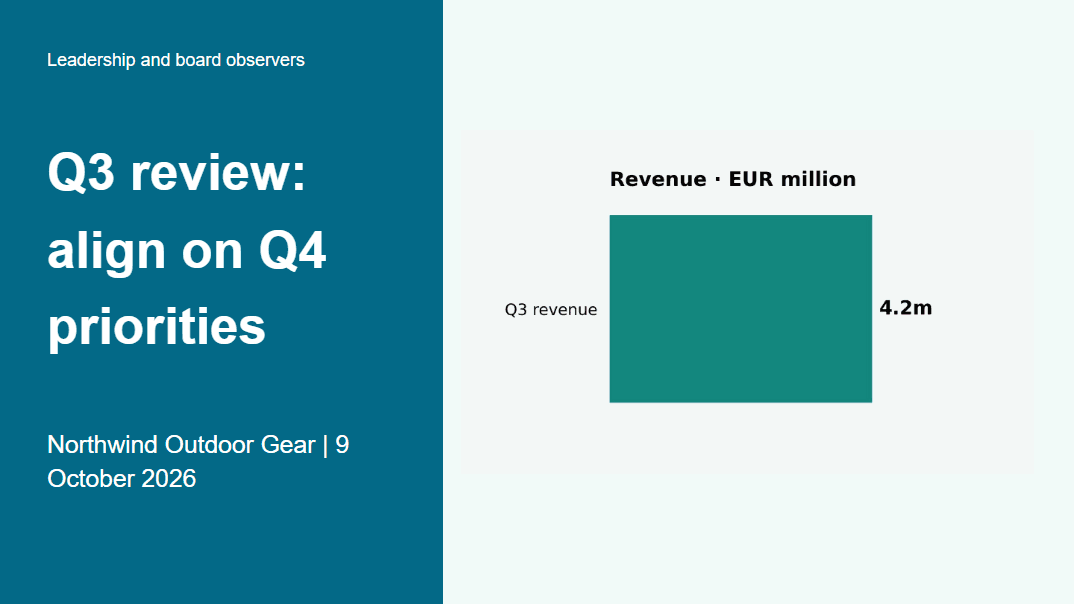
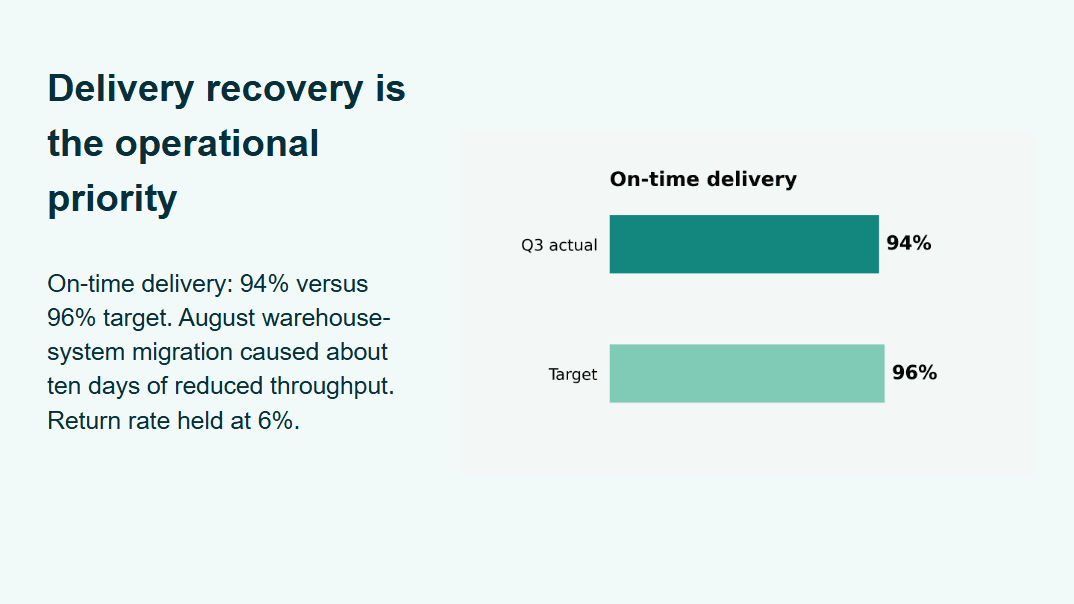
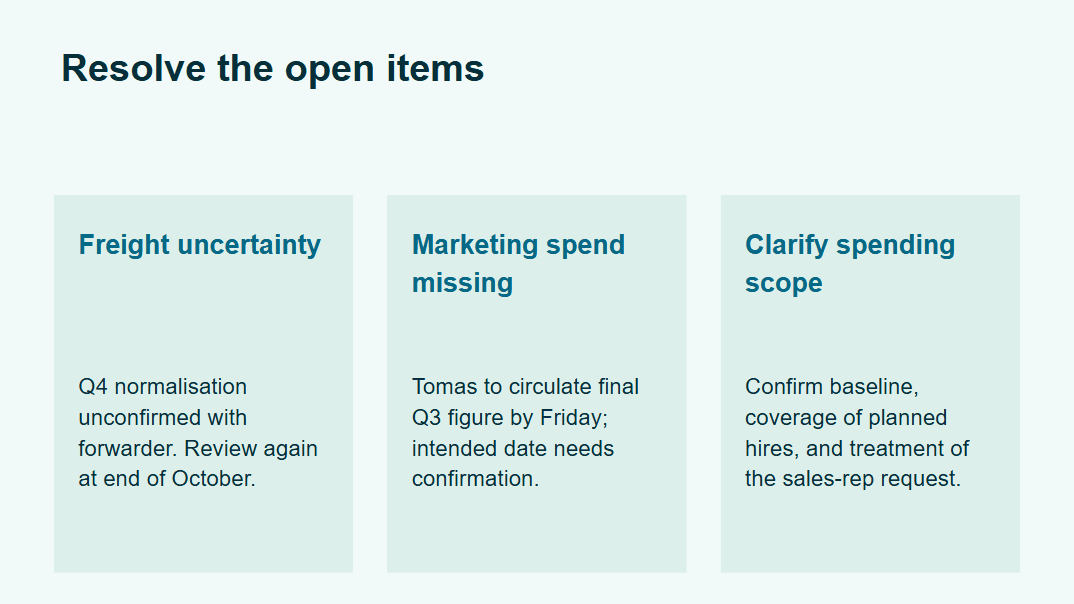
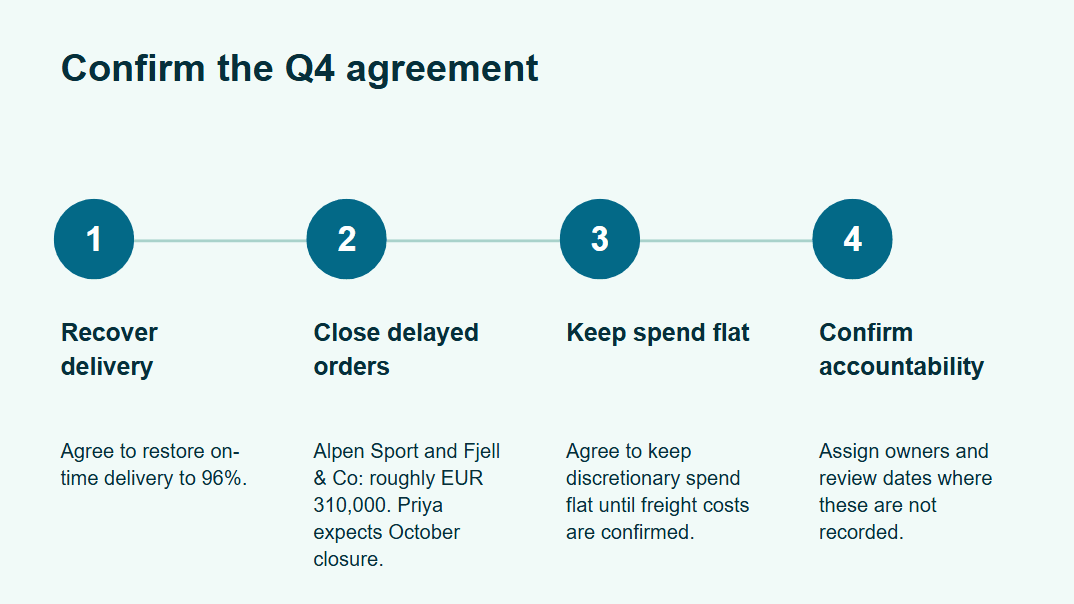
What Air9 actually produced A real run: 300 words of fictional Q3 review notes with 17 figures, the prepared instruction, three turns
Synthetic input, single run, measured on October 15, 2026 The work around the work
The content exists, the slides do not Spend your time on what the slides say, not on building them
You bring
Notes, an outline or source files
You work toward
An editable deck you can download as PowerPoint
From your first input to something useful
Bring the task, keep the result 01 Paste your notes or attach the source material
02 Review the generated deck and ask for changes
03 Adjust details in the editor and download PPTX
Start with your actual work Bring your notes or files and leave with something you can use
Build my presentation Start free, Can cancel subscription at any time
AI work uses your plan's allowance and credits where applicable. Review the result before relying on it
Compare plans ↗ Start for free → Explore Premium → Can I change the slides after they are generated? + Yes. Open the deck in the built-in editor to edit text, move or resize elements, add shapes or images, reorder slides and download the result as a PowerPoint file
Will it use my brand template? + Decks are built on Air9 layouts and exported as editable PowerPoint. Open the file in PowerPoint to apply your own template
What happens after I click start? + You open a screen for this task, where you can add files, write what you need or try an example before sending
Will the AI fill in missing facts? + Tell Air9 which facts to use and ask it to flag anything missing. Check important values and commitments against your sources before using the result